
Fast cleanup. Clear control.
Swipe through your camera roll without turning cleanup into a chore.
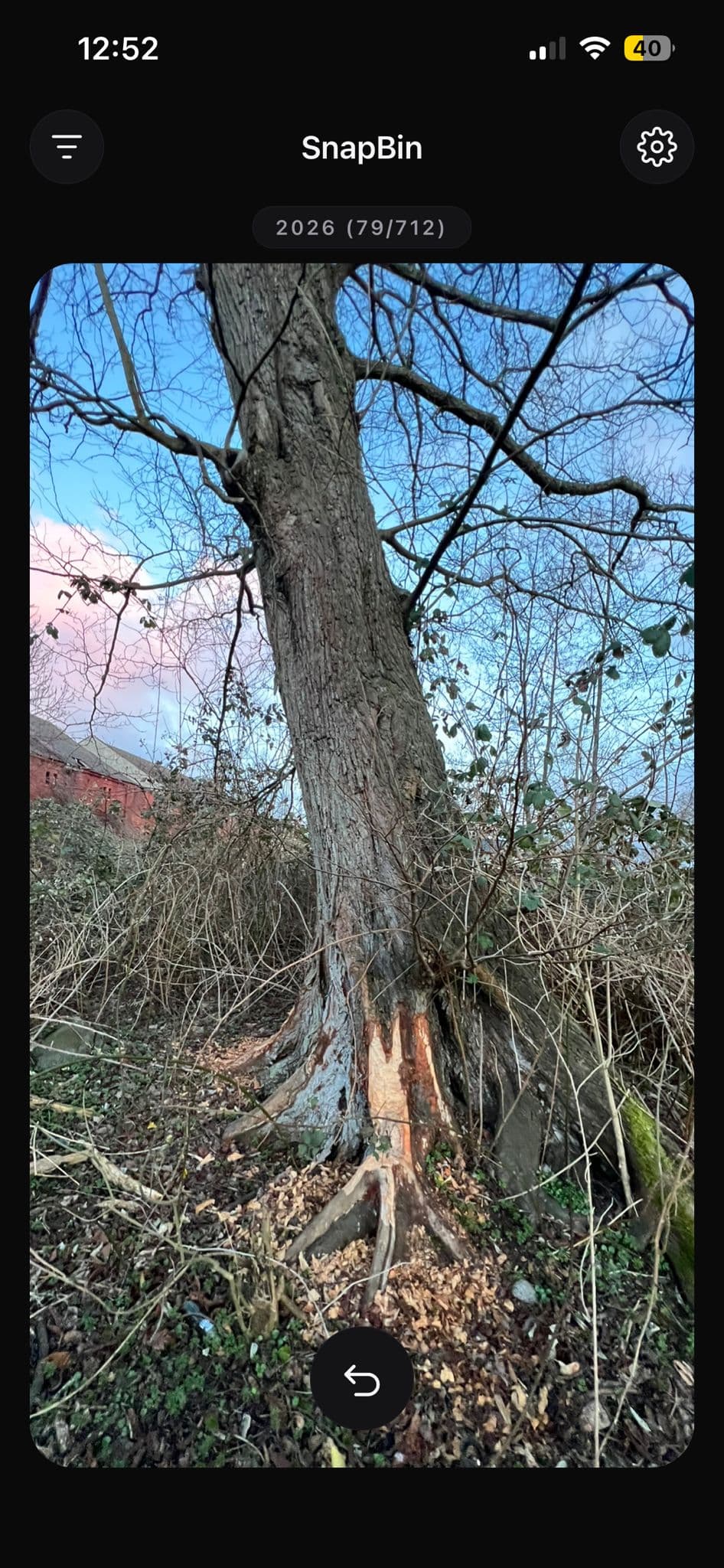
SnapBin is a dark, focused photo cleanup app. Swipe right to keep, swipe left to mark for deletion, and move through your library with real momentum.
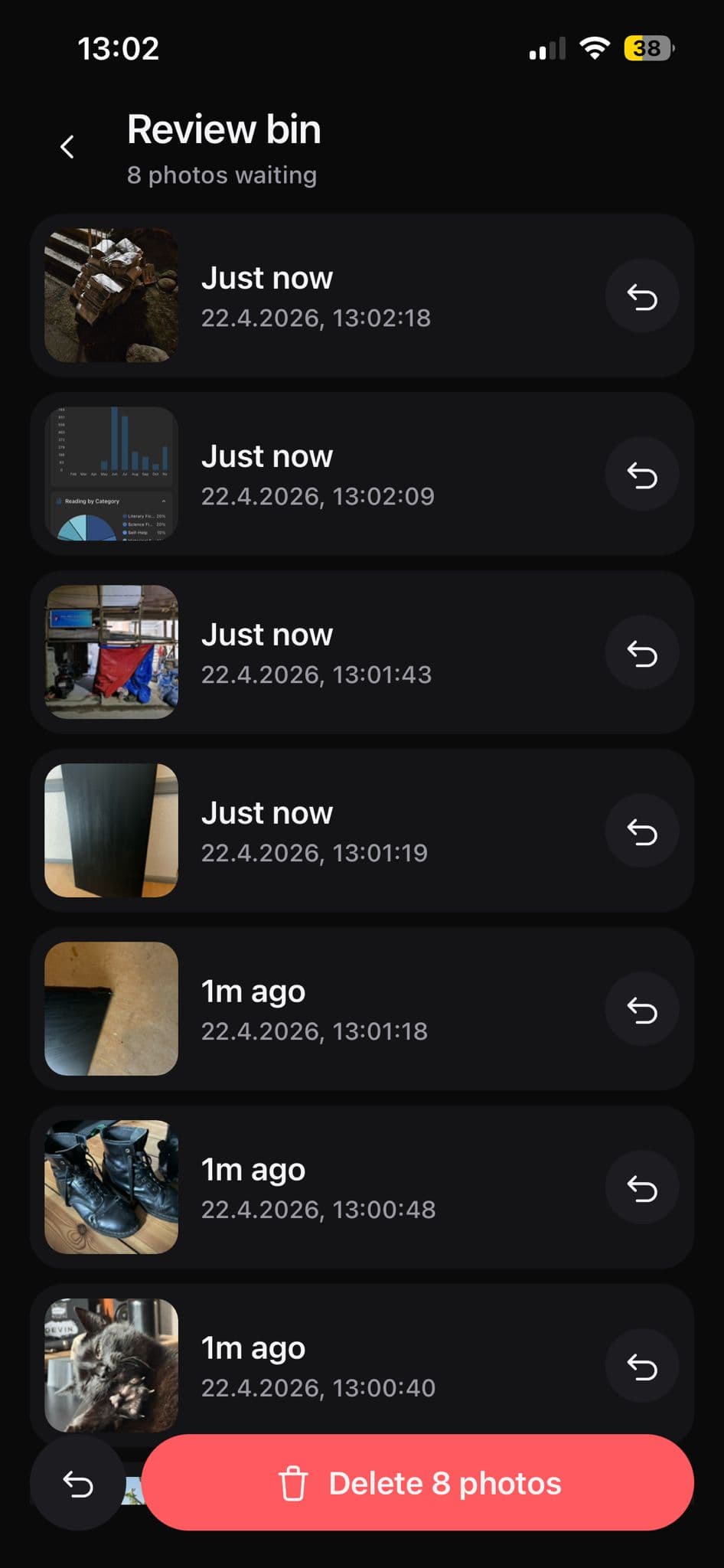
Deletion stays safe by default. Review marked photos before removing them, or enable immediate deletion only when you want that speed.
Product preview
A cleanup flow that feels satisfying because it stays simple.
The product loop is direct: open a time range, move through photos with confident gestures, and review deletions on your terms.
Start with a scope that matches the cleanup session you want to finish.
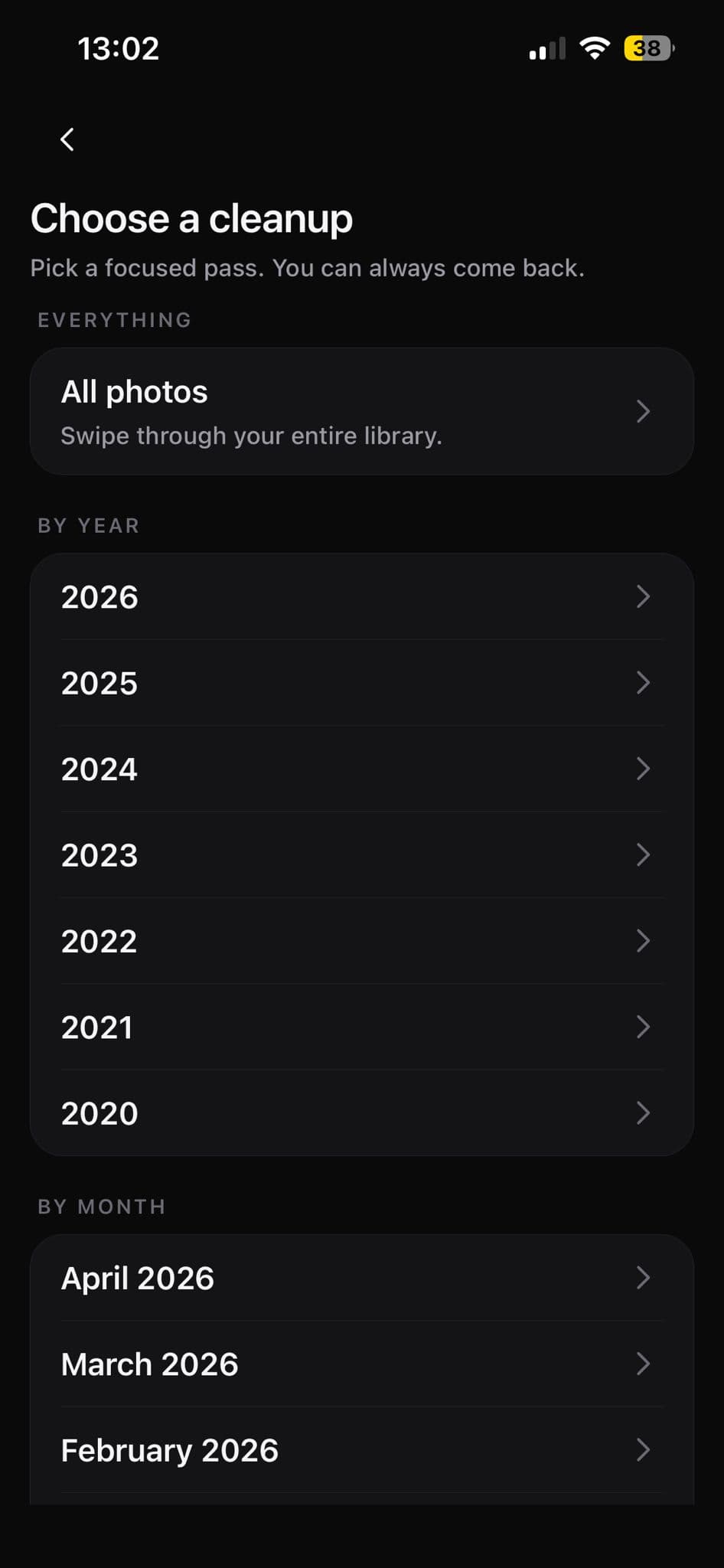
SnapBin treats month, year, and full-library cleanup as deliberate entry points. You choose the slice of your photo library first, then move into a focused swipe session instead of scrolling aimlessly.
Choose a cleanup pass
Pick a month, a year, or all photos depending on how much progress you want to make right now.
Enter the swipe flow with context
The active scope is set before you start swiping, so each session feels intentional instead of random.
Keep the interface quiet
The selection screen stays lightweight and fast to scan, which keeps the app focused on cleanup rather than menu friction.
Why SnapBin
The app focuses on one job and keeps that job moving.
Each benefit is tied to the core product loop instead of vague productivity claims.
Faster photo cleanup
Work through large batches with swipe decisions instead of slow, repetitive tap patterns.
Satisfying interaction
The flow is tactile and minimal, which makes routine cleanup feel less tedious.
Safe deletion workflow
Marked photos can wait in review until you are ready to confirm the delete action.
Time-based cleanup
Clean up a month, a year, or your full library depending on how much progress you want to make.
How it works
Three clear steps. No extra ceremony.
The website and the app both keep the mental model simple so the user knows exactly what will happen next.
Pick a cleanup scope
Start with a month, a year, or the full library depending on how focused you want the session to be.
Swipe through photos
Swipe right to keep what matters. Swipe left to mark items you are ready to review for deletion.
Review and confirm
Keep full control with a review step first, or switch on immediate deletion when that fits your workflow.
Safety and trust
Photo cleanup needs clarity before it needs speed.
SnapBin treats trust as part of the product experience. The delete flow is explained plainly and the user remains in control.
Review-first deletion
The default cleanup model gives the user a second look before anything is permanently removed.
Immediate deletion is optional
Users who want a faster, more aggressive workflow can opt in without changing the default safety posture.
Clear product language
No fake urgency, no inflated claims, and no disguised behavior. The site explains the real product loop directly.
Cleanup modes
Choose a scope that matches the kind of cleanup you want to finish.
SnapBin is not a novelty swipe toy. It is a focused utility for sorting photos in chunks that feel manageable.
Month view
Quickly clear short bursts of visual clutter when you only need a small win.
Year view
Review a larger time span when you want meaningful progress in one focused session.
Full library
Browse the complete camera roll when you want to clean aggressively and keep moving.
Review queue
Look back over marked photos before deletion so the final step still feels controlled.
Download SnapBin
Clean up your camera roll with a flow that stays fast, focused, and under your control.
Use the official SnapBin link below to open the product page and start a focused cleanup session.